Project Brief
This project examines how creating several websites at MarketInc led to the development of a scalable, conversion-focused system as opposed to discrete pages. It demonstrates how subtle design choices, audience context, and section intent influenced performance on more than fifteen client sites.
You can check the figma files for each website here Figma Link
Type
Internship + Full Time | June 2024 - July 2025 | MarketInc | Solo
At MarketInc, I collaborated with more than 15 various clients — local companies, service firms, and agencies — on their websites. Most projects appeared easy: create homepages, about pages, contact forms, and services pages.
But in a few projects, I realized I was not simply designing pages. I was solving conversion mysteries. All the sections were performing a different function according to the type of business and the users they were communicating with.
Patterns began repeating but results didn’t. Even when the structure was identical, some sites performed better than others. On a few, the hero section performed great. On others, people bounced. Sometimes a form would get 10+ submissions per day. Sometimes barely any.
My Role
UI Content Research — Determining what content really is important to the end user and structuring it for greatest clarity and effect.
Planning, Designing, and Management — Managing the site’s visual direction from idea through delivery.
Collaboration — Intense collaboration with developers, the SEO team, graphic designers, video editors, and copywriters.
Conversion Strategy — Making sure each section had a function, either to inform, establish trust, or induce a click.
Designing for Who?
A home makeover company needed instant credibility in the hero, usually by way of a photo and simple numbers.
A finance customer, though, required more warmth and reassurance and was better served by a headline that had a human feel.
The same page meant different things to different people.
This was my biggest adjustment, coming to see that a hero or CTA was less of a design block and more of a decision-making moment.
Research
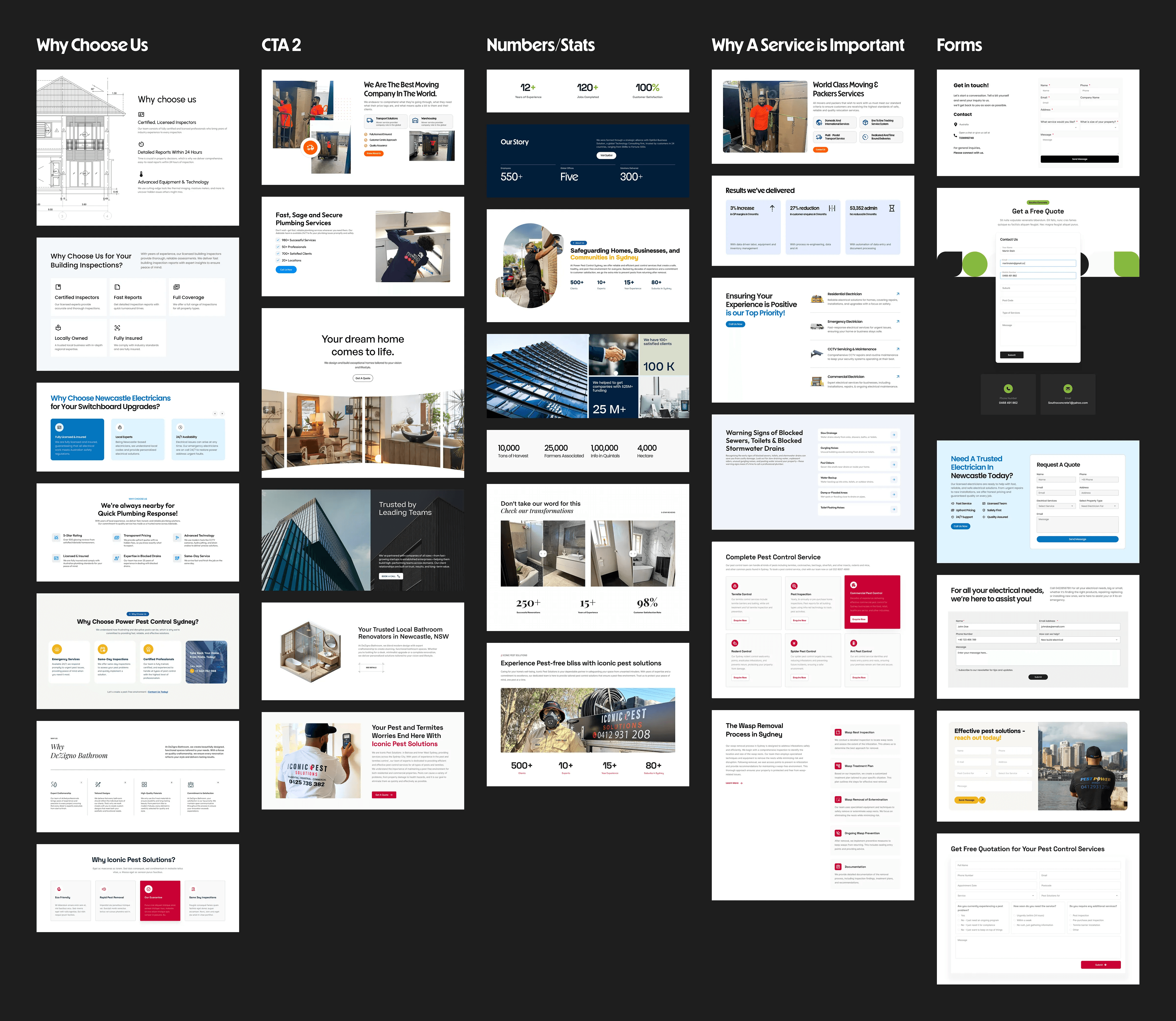
The website redesign process usually begins with me visiting competitor sites to understand the key content that needs to be showcased.
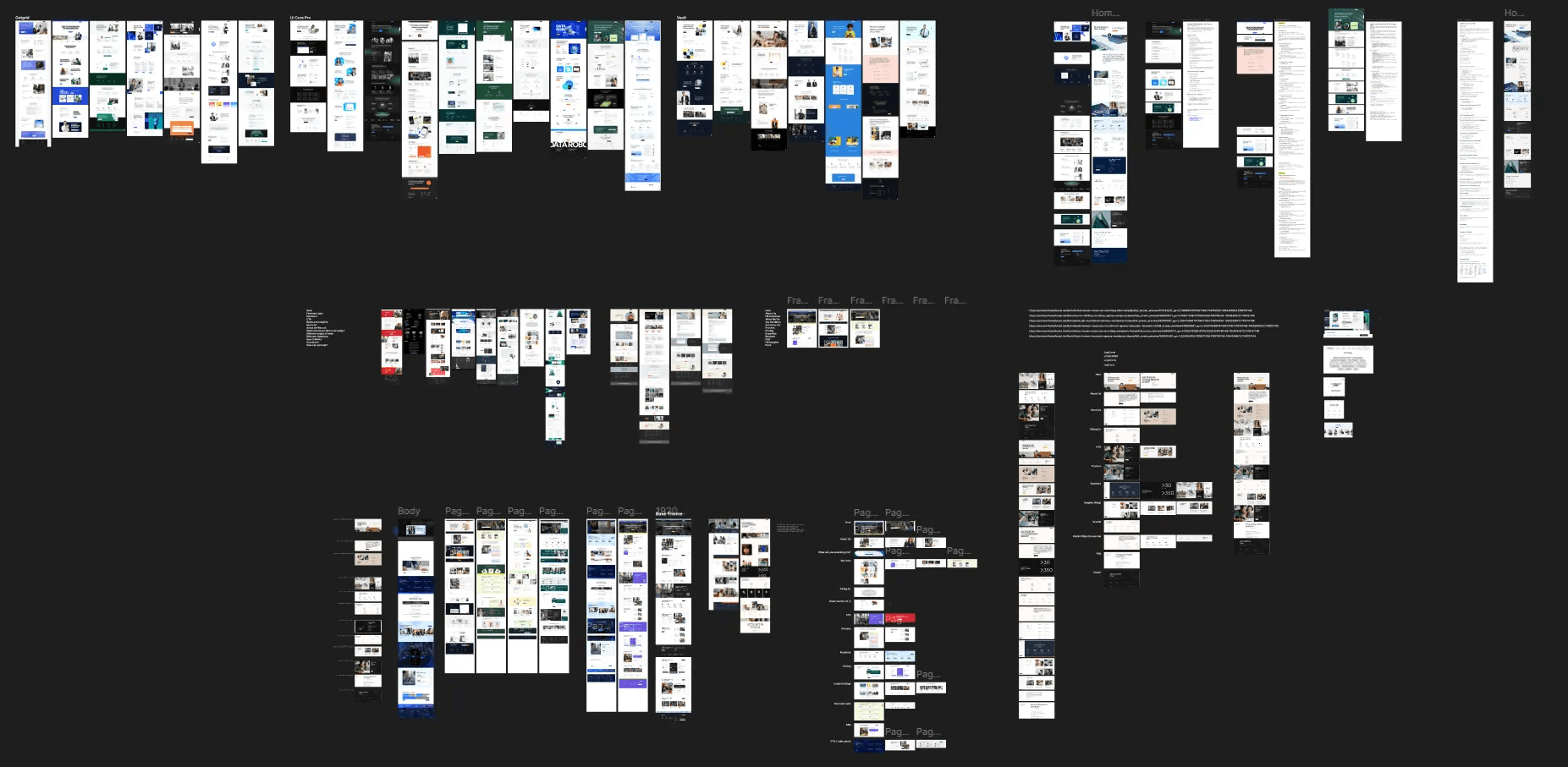
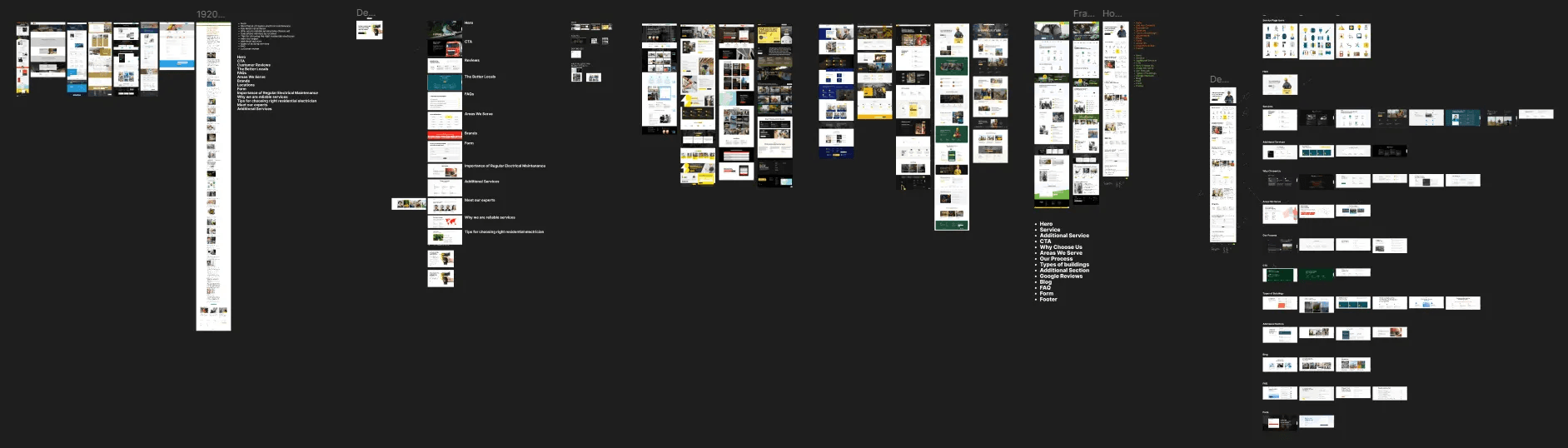
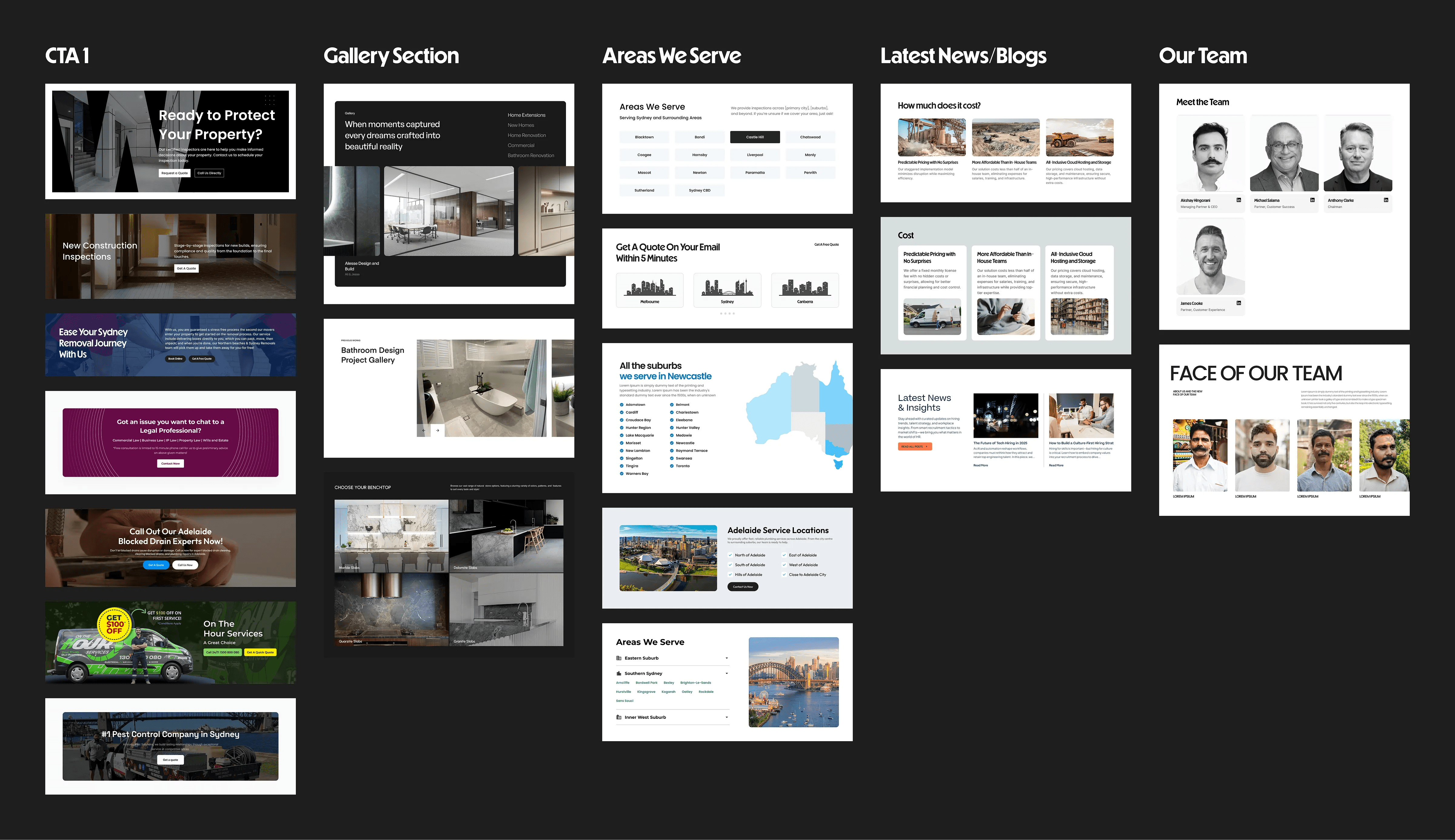
I also utilize website templates, like Vault, Outgrid, and Elisse, which help organize the content layout effectively.
I arrange all the templates accordingly and design any remaining sections as custom elements for the developers.
Next, I create a basic design system for the site, setting colors and selecting appropriate fonts.
Once the homepage design is completed, the SEO team gains a rough idea of the site’s visual structure, which helps them plan for other service pages.
Sometimes, if the content does not fit within a section, we place it at the bottom of the page, with a well-designed section at the top for visual impact.
Strengths
I had access to proven templates like Vault, Outgrid, and Elisse which acted as good starting points.
Ability to customize templates with custom-built sections where needed.
Weaknesses
Clients sometimes lacked well-written content, requiring design-led content suggestions.
Time constraints in some projects limited iteration cycles.
Opportunities
Competitor analysis revealed sections like Why a Service is Important and Why Choose Us as major trust builders.
Use of heatmaps to improve user journey after launch.
Threats
Competing agencies offering template-based sites at lower prices.
Client hesitation in investing in custom visual content.
Approach
Most of our traffic was from word of mouth or Meta advertising. The initial seconds were crucial — if the page wasn’t pretty and didn’t offer clear means to contact us, we might have lost them.
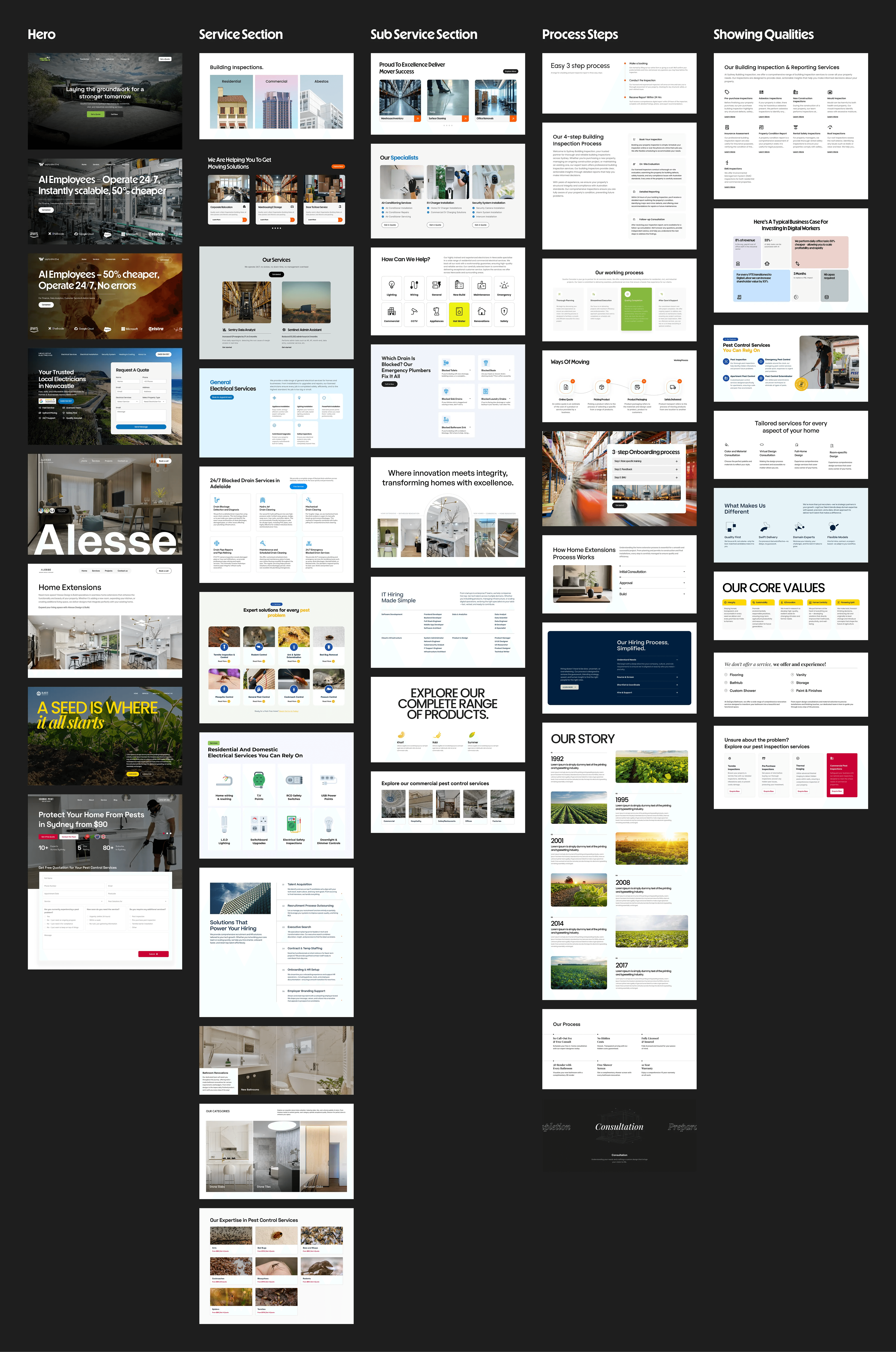
I began considering each section’s purpose:
What do I want this section to make the user do?
What’s preventing them from doing that?
Much of the design changes were subtle but deliberate.
- On one occasion, a CTA being altered from “Submit” to “Get Your Free Quote” increased response rates significantly.
- On another, moving the contact form above the fold on mobile doubled conversions.
We tested sticky buttons, ordering content blocks, and rephrasing section headings based on the way that people searched.
It wasn’t to generate 15 sites — the true learning involved constructing a dynamic strategy to common sections that varies based on audience and commercial context.
Process
Audit & Research — Reviewed the existing site and competitor benchmarks.
First Iteration — Built an initial homepage based on research findings.
Client Approval — Gathered feedback through Figma comments and live calls.
Refinement — 2–3 rounds of revisions until the client was fully satisfied.
Service Page Development — Extended the design system to the rest of the site.
Handover & QA — Worked with developers to fix issues before launch.
Collaboration
This was not just website design — MarketInc provided a complete marketing bundle. That included:
Assisting the SEO team with keyword planning at the section level.
Guiding graphic designers to ensure social media images were consistent with the website.
Collaborating with video editors so the motion would be consistent with the brand’s design language.
Hosting developer sync-ups to get technical implementation clear before building.
Learnings
I still don’t have a “perfect homepage.” I don’t think there’s one best layout that does it every time. But now I know the questions to ask, the patterns to identify, and how to adapt on the fly depending on the audience.
Working on these 15+ projects taught me to design with intuition, structure, and iteration, all at once.
I developed my visual design capability, learned how to handle Figma’s collaboration capabilities, and learned how to articulate requirements effectively with cross-functional teams.
Impact
By merging strategic section placement, research for the audience, and design for conversion, we created sites that were not only beautiful but also converted visitors into paying customers.
From bathroom renovators to investor agencies, every site was evidence that nice design isn’t about ornamentation, it’s about guidance.
Again a reminder that you can check the figma files for each website here Figma Link